Narrow the results
Use size:>100mb to find larger files, or path:archive to match a path. Combine conditions with AND, OR and NOT. Size filtering depends on the metadata available from the source.
Find a file by name, extension or size. Inspect it, keep its destination open in another pane, and organize your folders with GrimDex. Start with the task you need to finish.
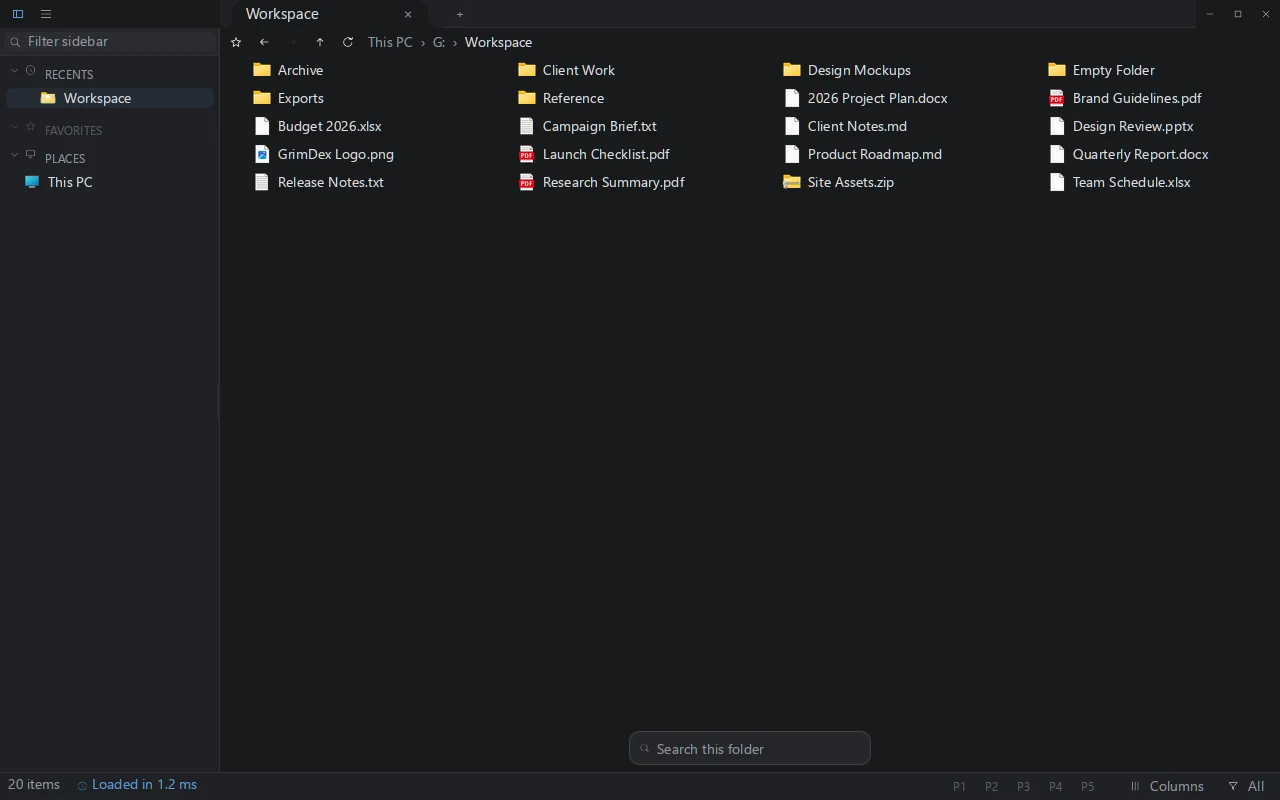
Press Ctrl+P to open the file-search palette. Type part of a name or use ext:rs;toml for Rust and TOML files. If you already know the folder, use Ctrl+F there and choose whether to include subfolders. Search matches names and metadata, not text inside documents.
Indexed NTFS volumes use the master file table and USN journal. The file palette also catalogs accessible WSL distributions, removable drives and mapped network drives. Coverage and freshness depend on the source; a partial index does not include every file.
Use size:>100mb to find larger files, or path:archive to match a path. Combine conditions with AND, OR and NOT. Size filtering depends on the metadata available from the source.
Archive tools, sync tools, version control, properties, and drag actions often live in the Windows shell. GrimDex calls real IContextMenu menus and shell verbs.
Select a supported image or text file in Details view to preview it beside the list. Zoom images or read up to 100 KiB or 200 lines of text; open the document for the rest.
GrimDex has split panes, tabs with tear-off, and Vim-style navigation for people who spend real time moving through trees.
Keep the source and destination visible in split panes. Drag selected files to the destination pane to copy; hold Shift when dropping to move. Pin project folders and save a layout profile to return to that workspace later.
GrimDex supports 64-bit Windows 10 or newer. It combines indexed search, native shell actions, tabs, panes, docking, previews, and keyboard navigation in one focused workspace.
Download the portable zip, unzip it and run grimdex.exe. Try finding a file, inspecting it and organizing a folder. The beta is free and complete; a one-time license keeps it running when the beta ends.