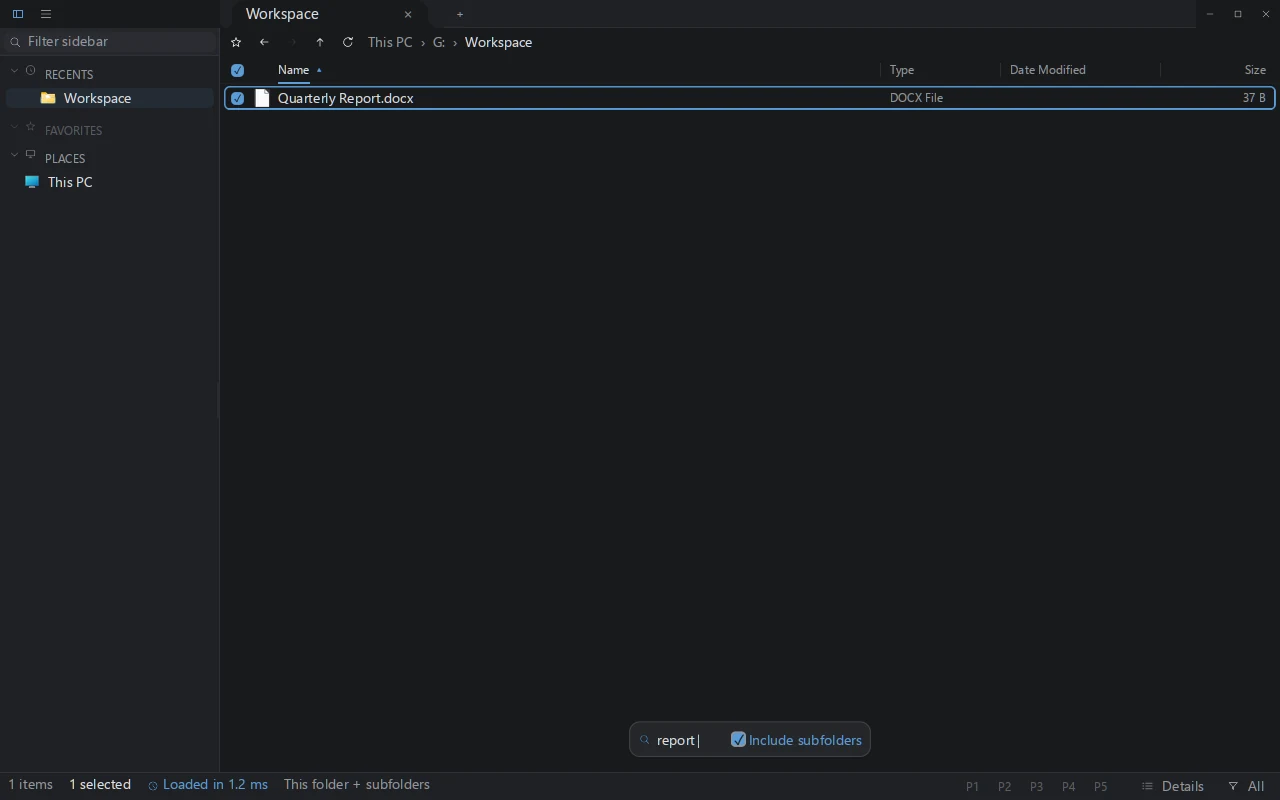
Search the file table
On indexed NTFS volumes, GrimDex reads file-table data and follows journal changes, keeping search beside the folder work.
Find files as you type. Inspect images and code, rename a batch, and move between split panes. Keep your next action in the same native workspace.
Recorded GrimDex workspace.
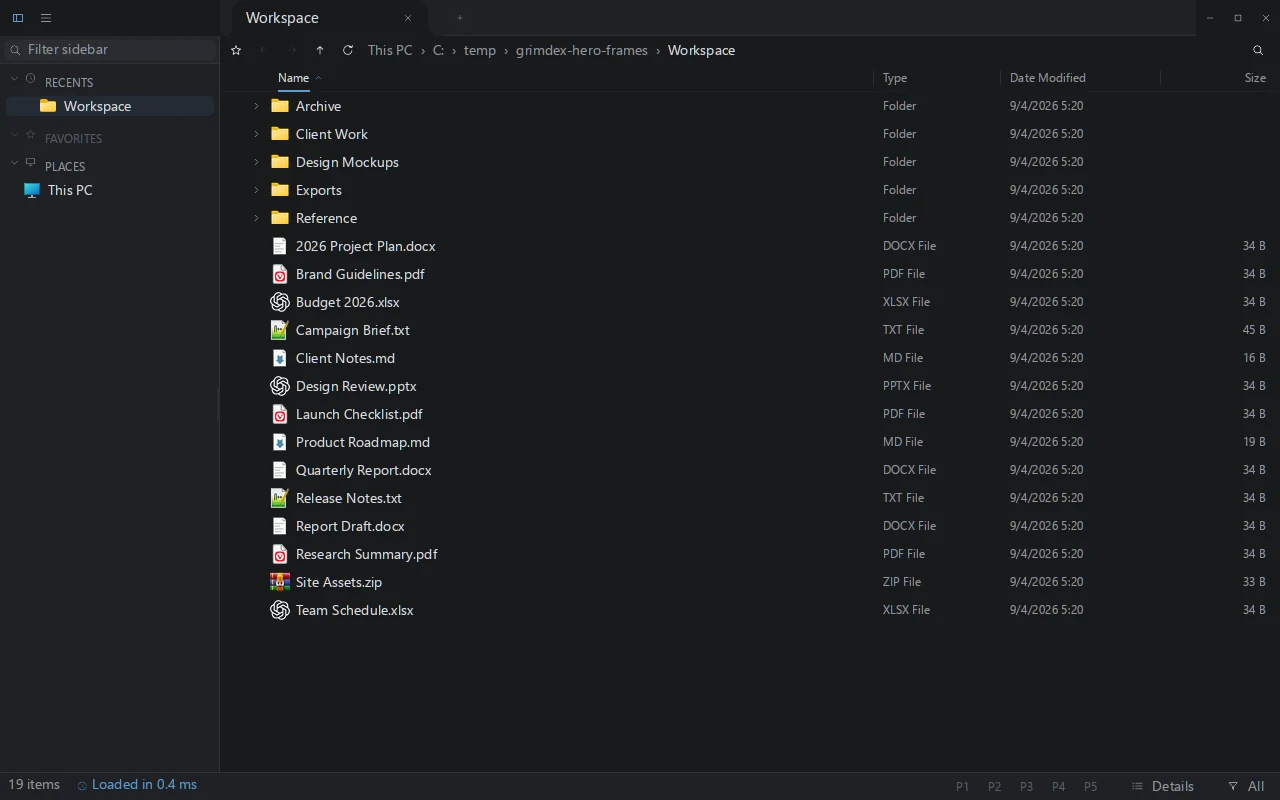
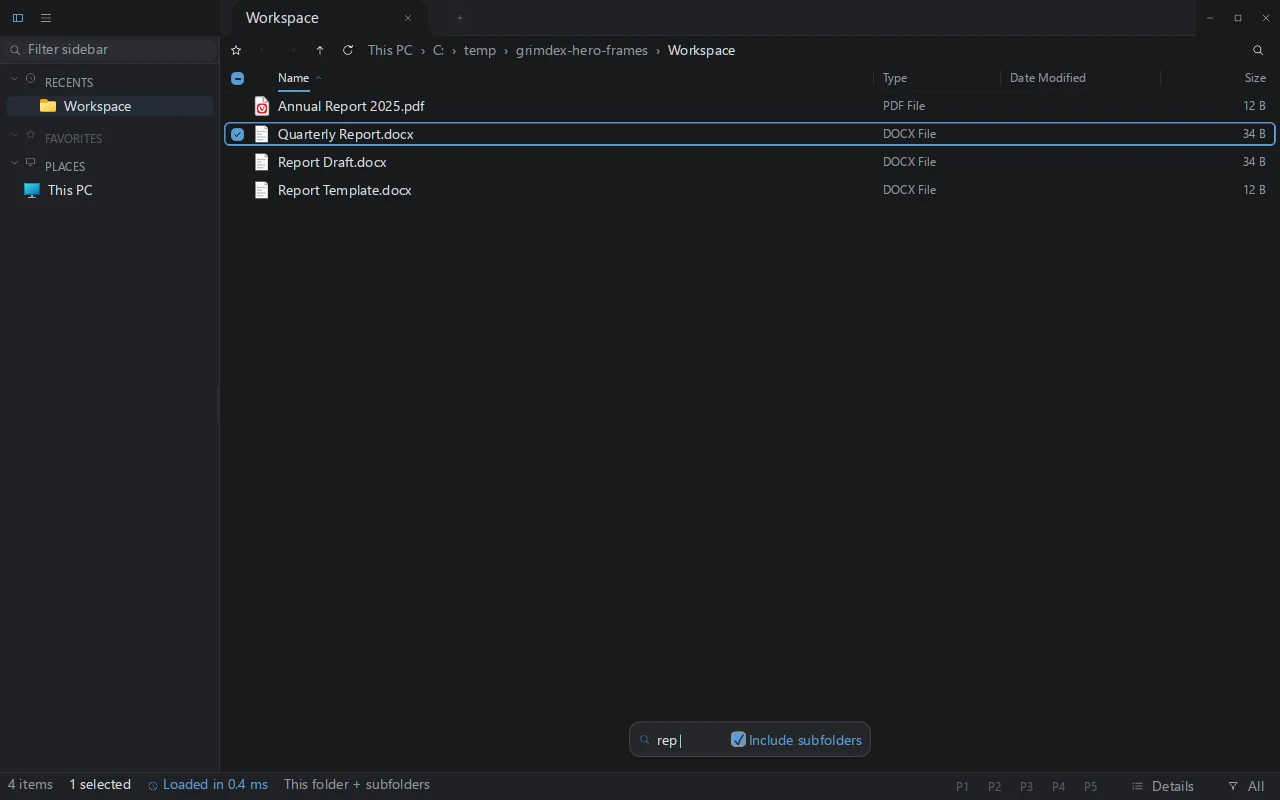
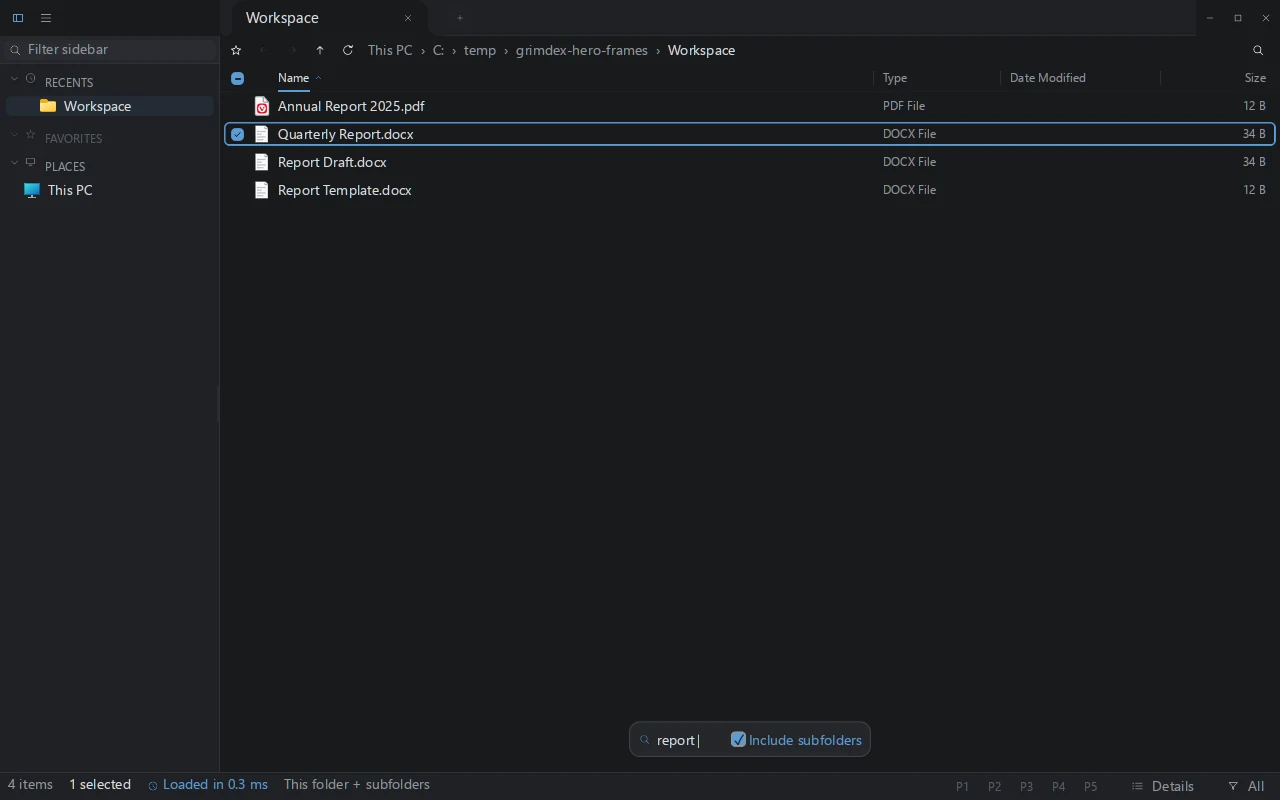
Finding the file is the start. Preview it, organize a batch, keep the destination open, and return to your project with saved workspace profiles. GrimDex brings those steps together.
On indexed NTFS volumes, GrimDex reads file-table data and follows journal changes, keeping search beside the folder work.
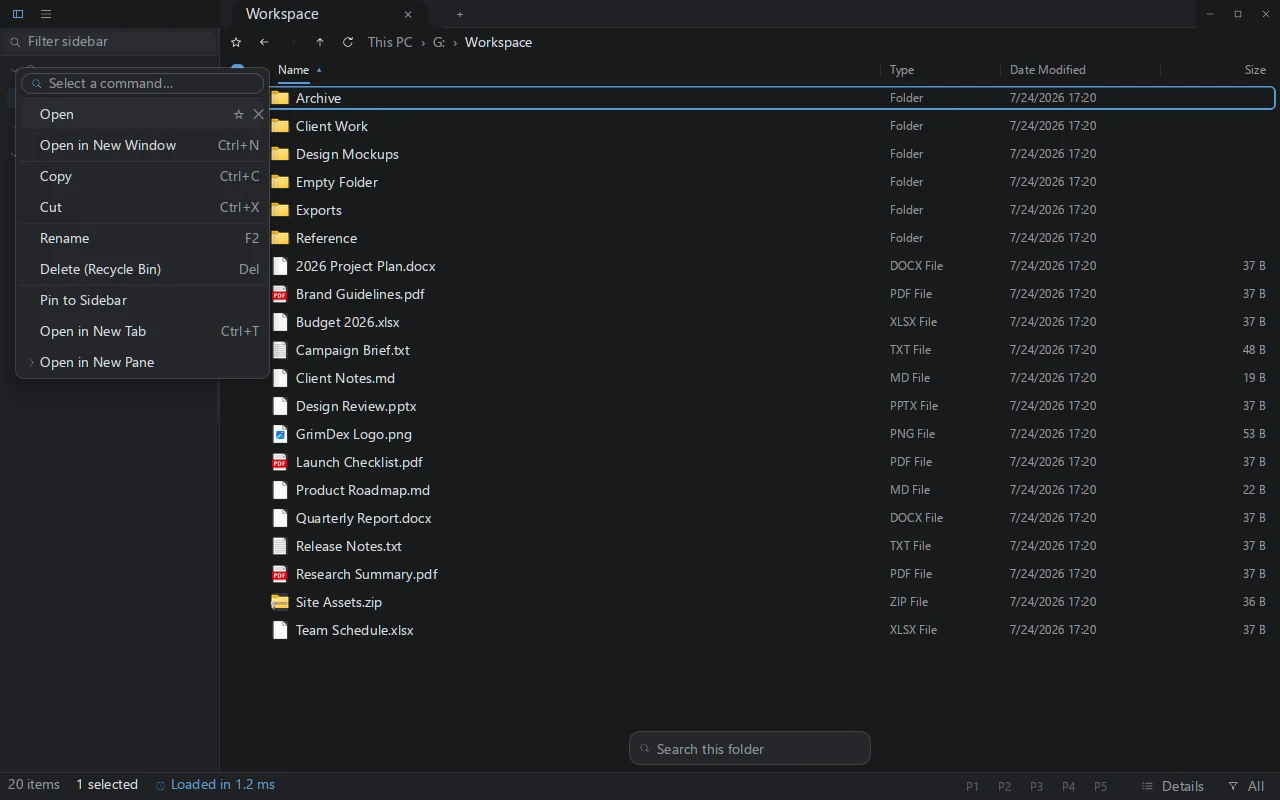
Use the real Windows shell menu, including third-party actions, without leaving the workspace.
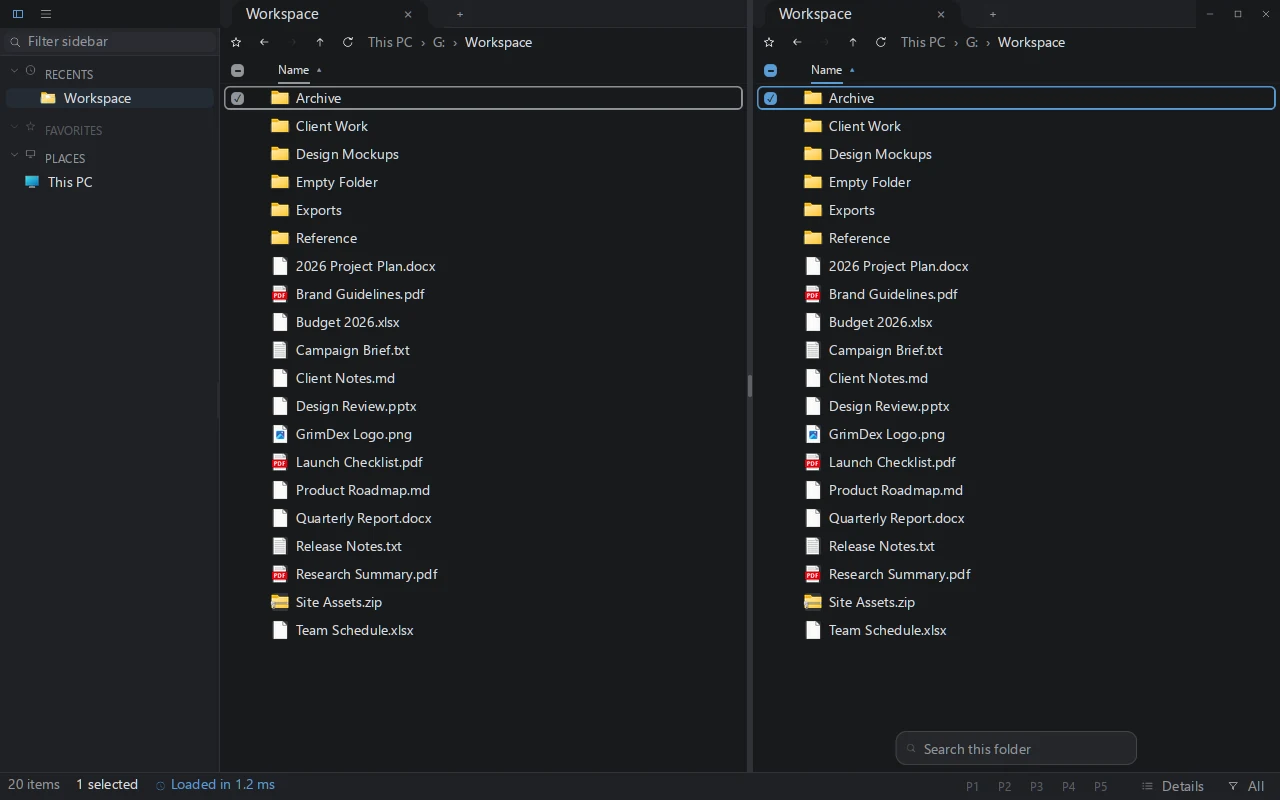
Drag selected files or folders to another open folder pane to copy. Hold Shift while dropping to move.
Build your workflow around the files, with tools for each step already within reach.
Explore the documentationext:rs;toml to find Rust and TOML files on indexed volumes.Every frame below comes from a recorded GrimDex build. Open any view for the original capture.
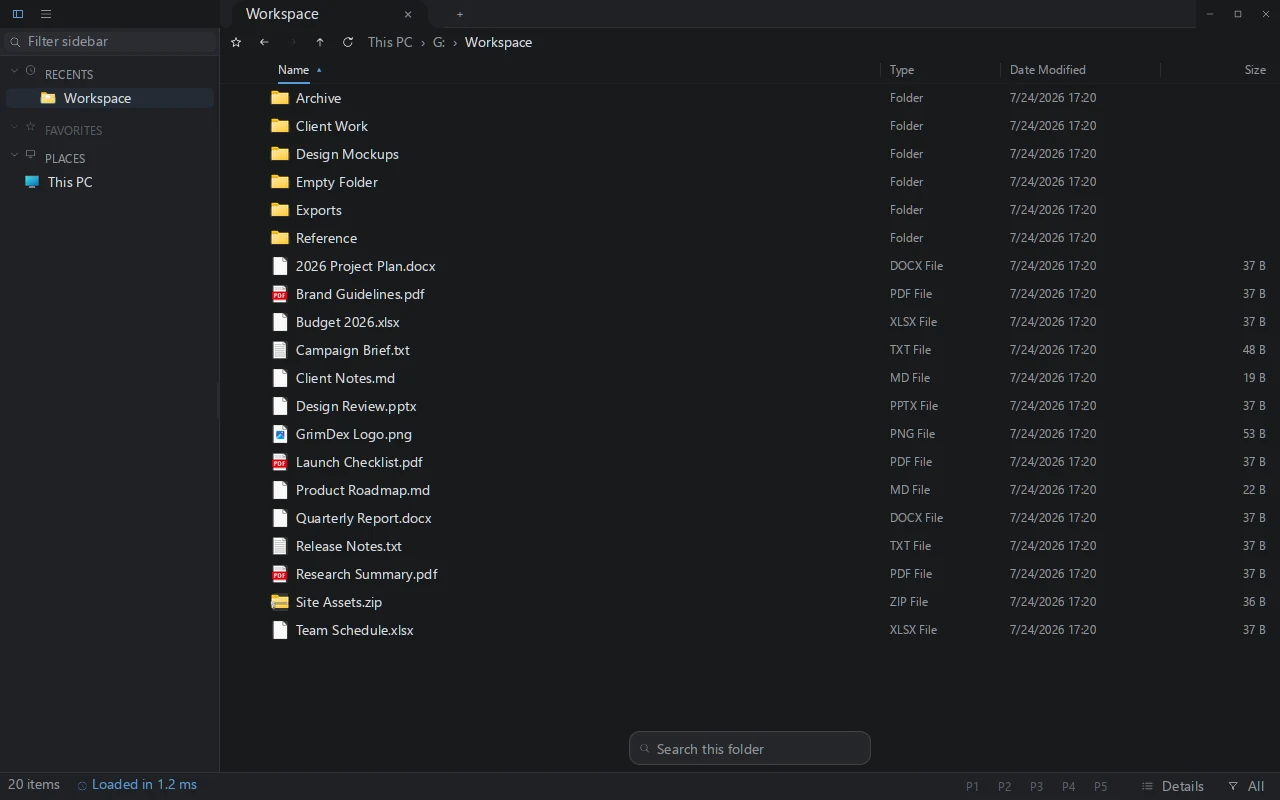
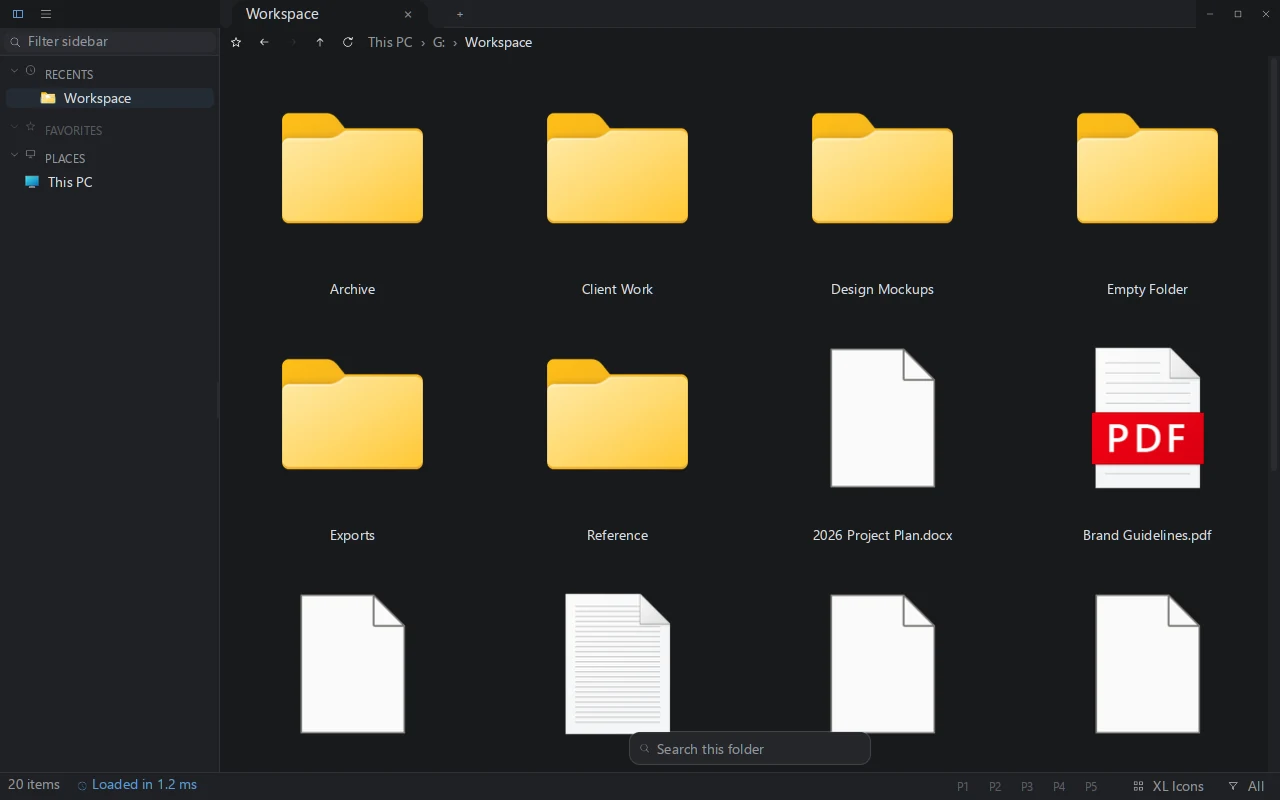
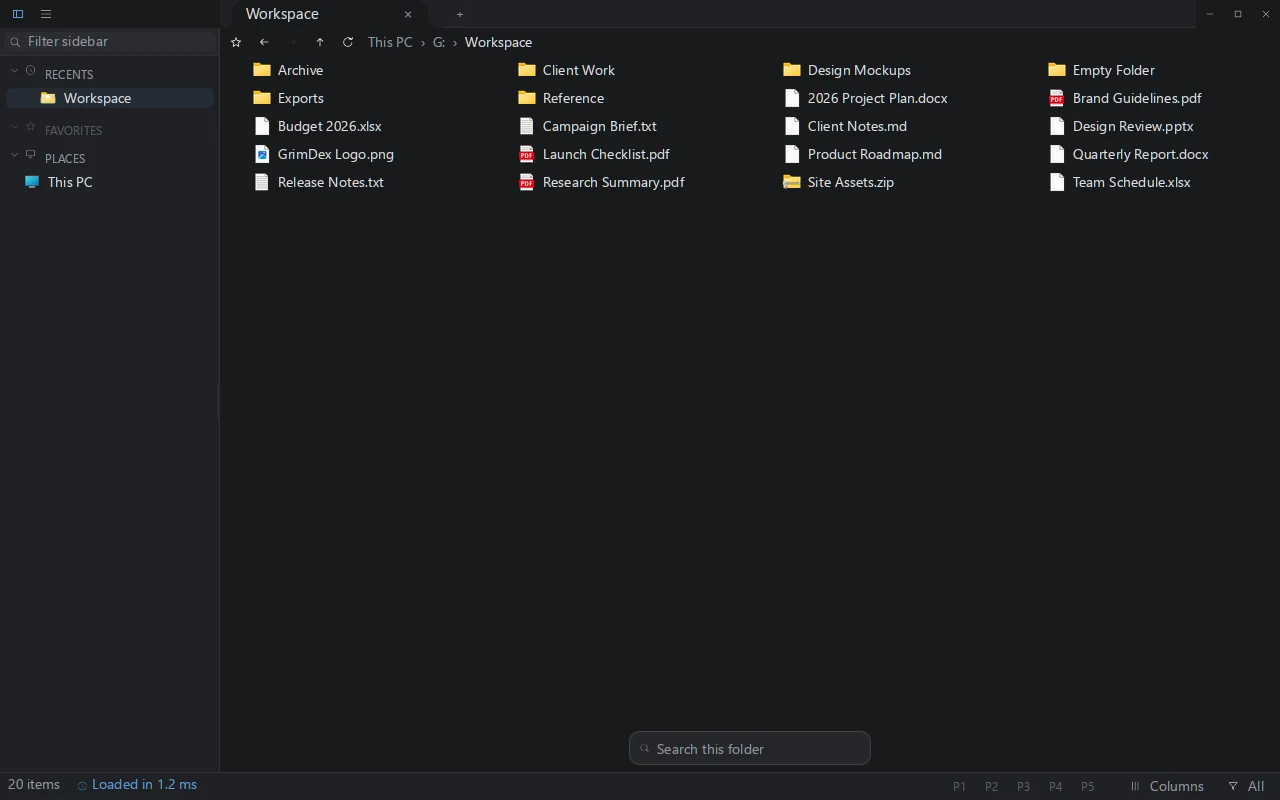
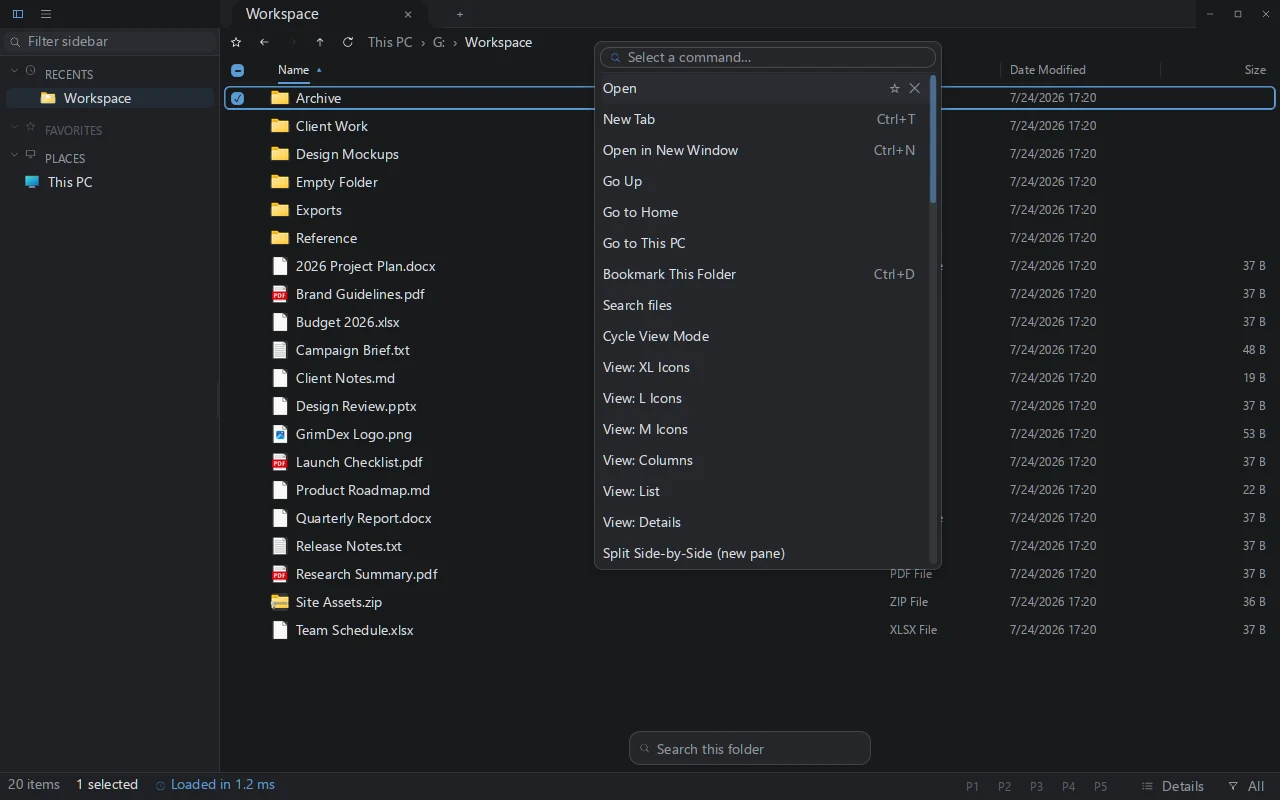
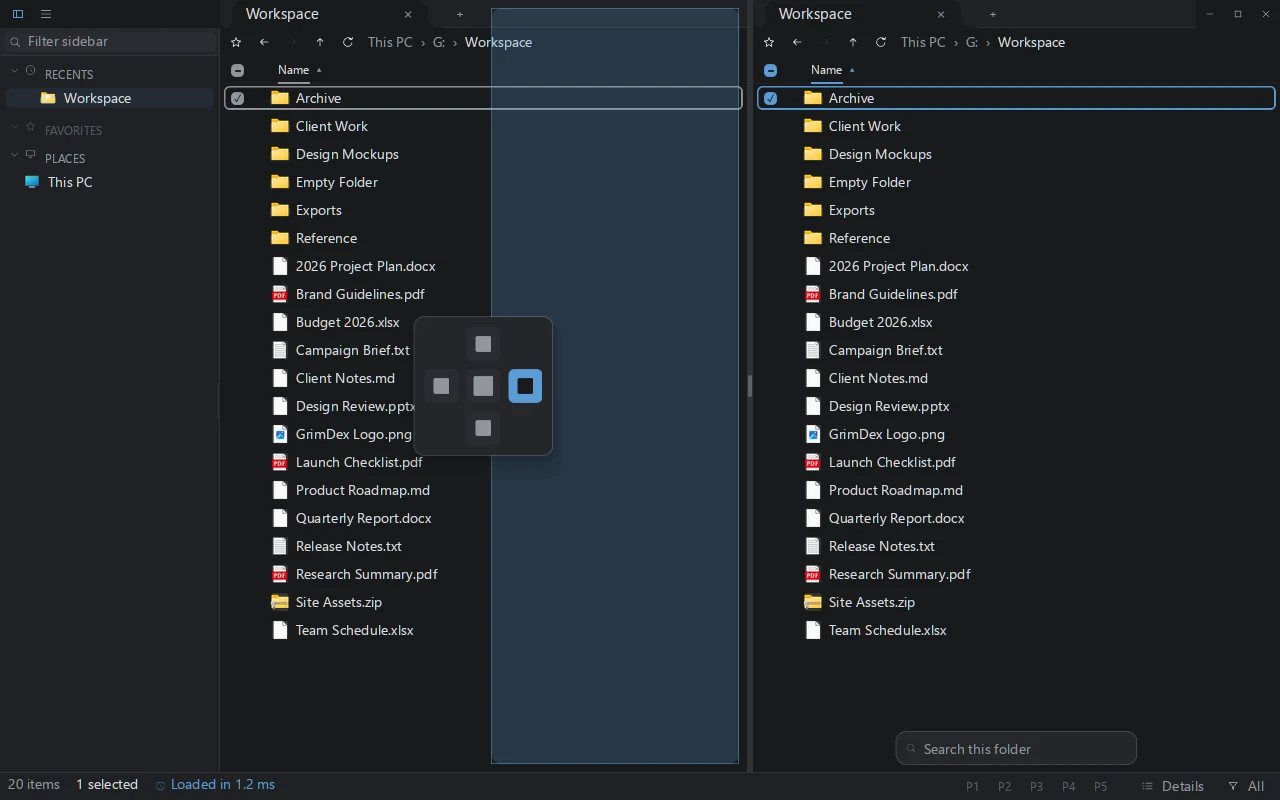
GrimDex reads the file table that NTFS itself maintains, the master file table, instead of walking folders one by one. It then follows the volume's change journal, so the index stays current while you work. Searches on indexed NTFS volumes use that index. The search palette also has separate catalogs for accessible WSL, removable and mapped network drives; their freshness depends on the source.
It is written in Rust and draws its own interface with a GPU renderer. There is no browser runtime inside, no background services, and the whole application ships as one compact executable.
Context menus, file icons, and drag and drop come from the real Windows shell interfaces, not lookalikes. What works in your right-click menu today works the same here.
A better file-work loop has fewer places to lose the thread.
GrimDex keeps the work in one workspace.
Keyboard navigation, a command palette, and visible paths keep each step available without hiding the next one.
The beta build is the full product, free, with no account. A license is a one-time purchase: it activates inside the beta today and keeps GrimDex running when the beta ends. One key covers up to 3 PCs. The beta's closing date is announced here before it takes effect.
PERSONAL
$39 one-time
LIFETIME UPDATES
$100 one-time
Prices in USD before tax; the exact total for your country appears in the secure checkout. 14-day refund guarantee. Lost a key? License recovery.
One zip, one executable. Unzip it and run grimdex.exe; installing for your user is optional, from the app menu. 64-bit Windows 10 or newer.
No account. Free during the beta.
Questions? Email support.